A quiet place to read.

Shelf is an iPhone and iPad app for the DRM‑free books, manga and comics you already own. No account needed.

Only updates about Shelf. No spam.

Check your inbox to confirm

Tap the link we sent to reader.with.a.longer.name@example.com to confirm, and we’ll send your beta invite.

A silent tour of Shelf: the bookcase Home with Continue Reading and collections, the library as a shelf of spines, a grid of covers and a list, the Manga room, a book’s pages turning, page colours and a typeface changing, a highlight, and a comic.

What Shelf does.

For the EPUB, PDF, CBZ and CBR files you already own, from Files or iCloud Drive.

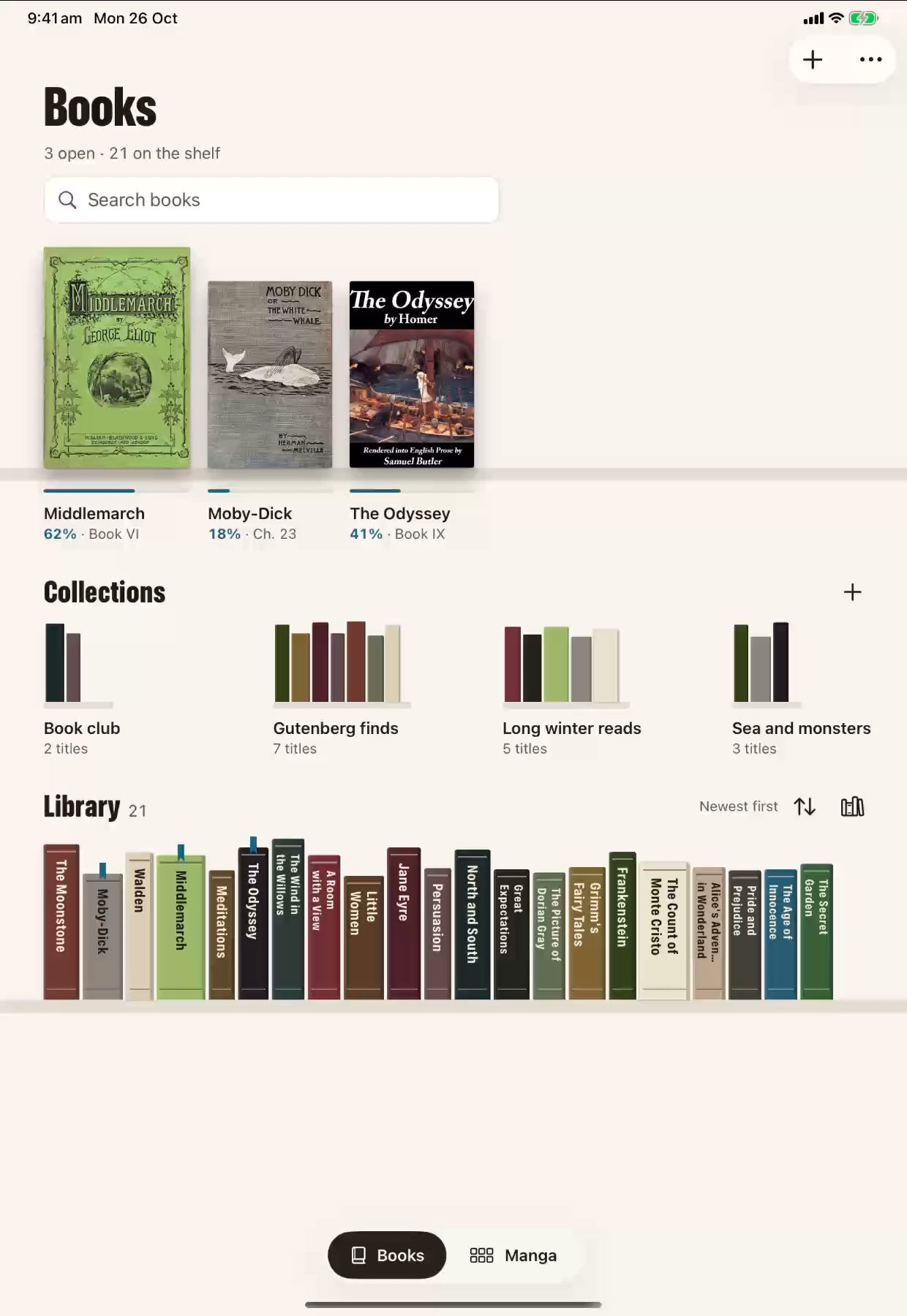
  • Home with three books open on iPad
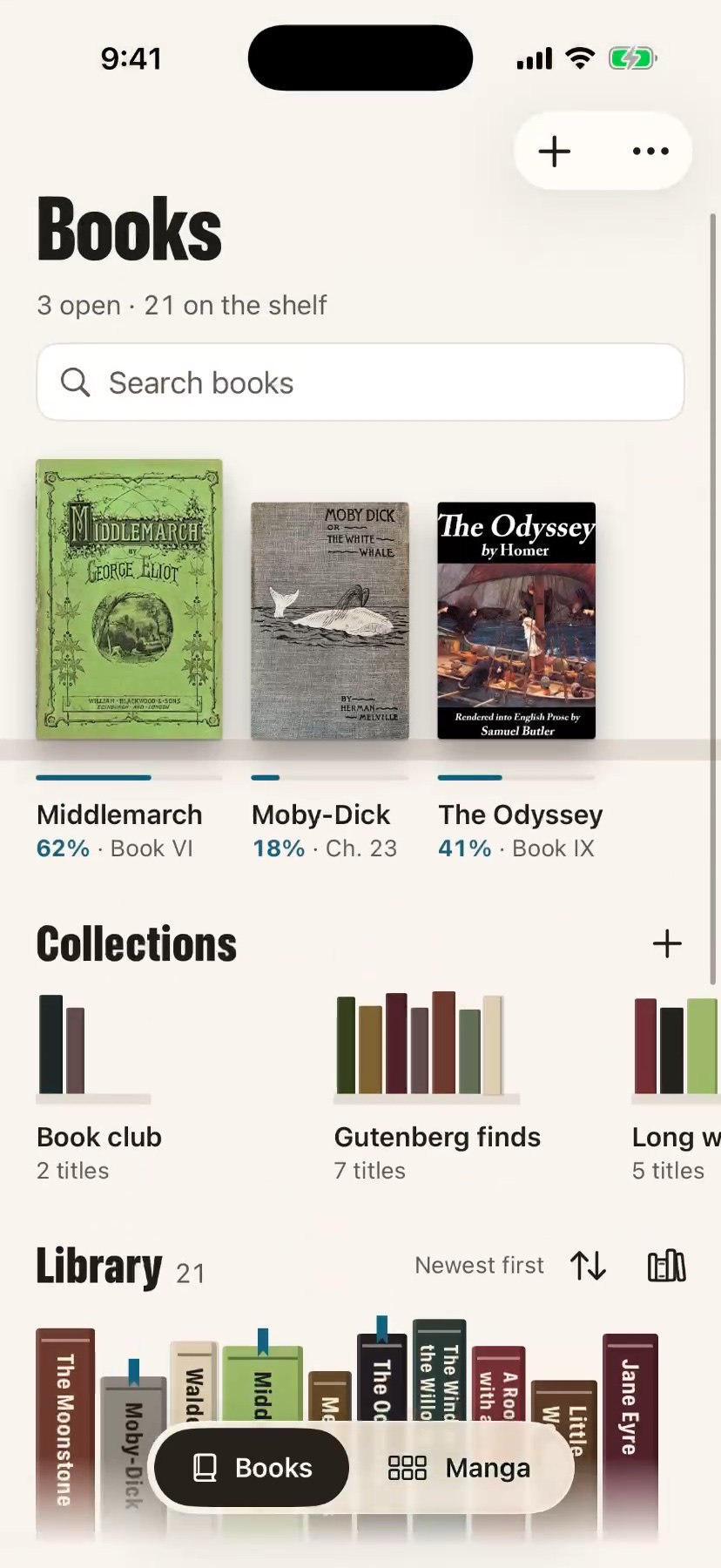
    Home with three books open on iPhone

    Continue Reading

    The books you’re reading wait at the front of Home, open at the page you left.

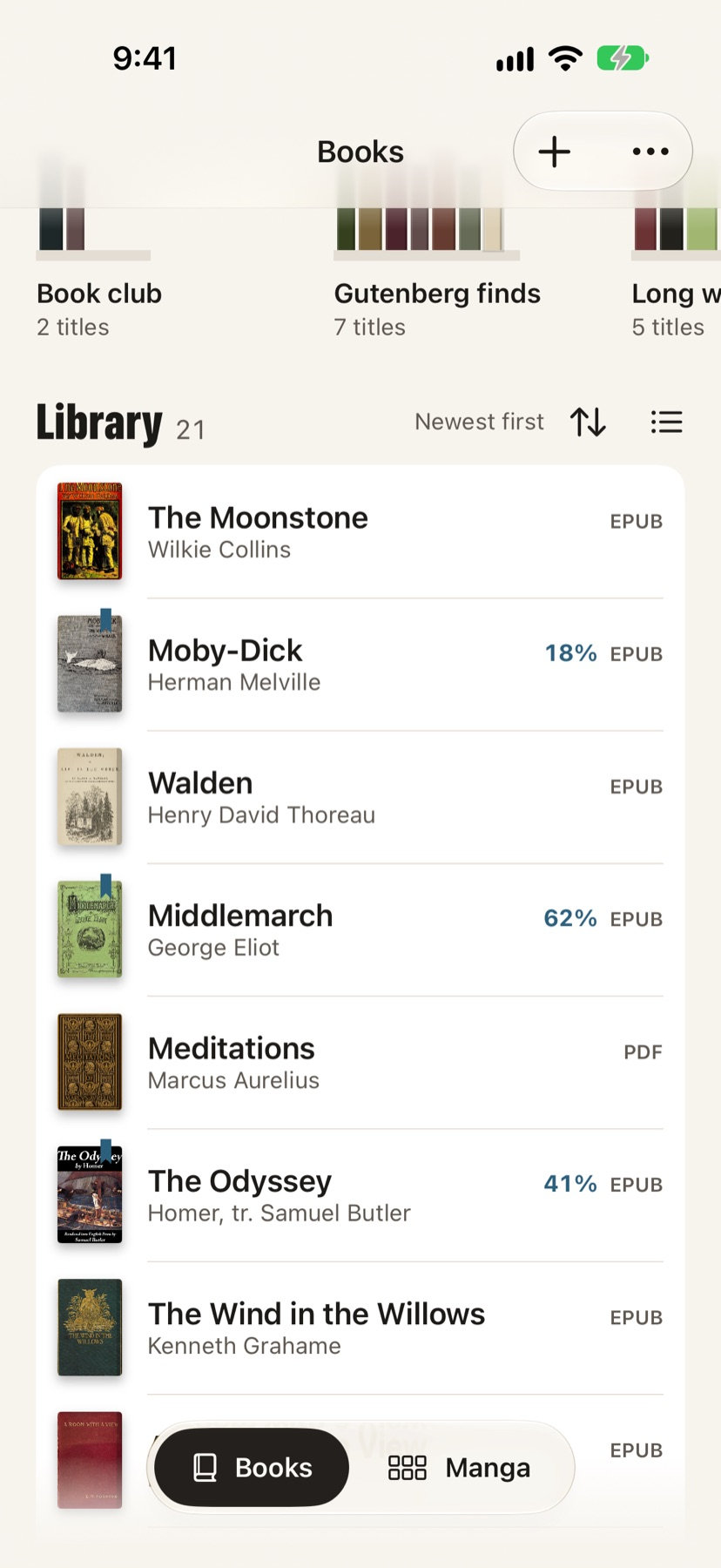
  • The library as a list, on iPhone
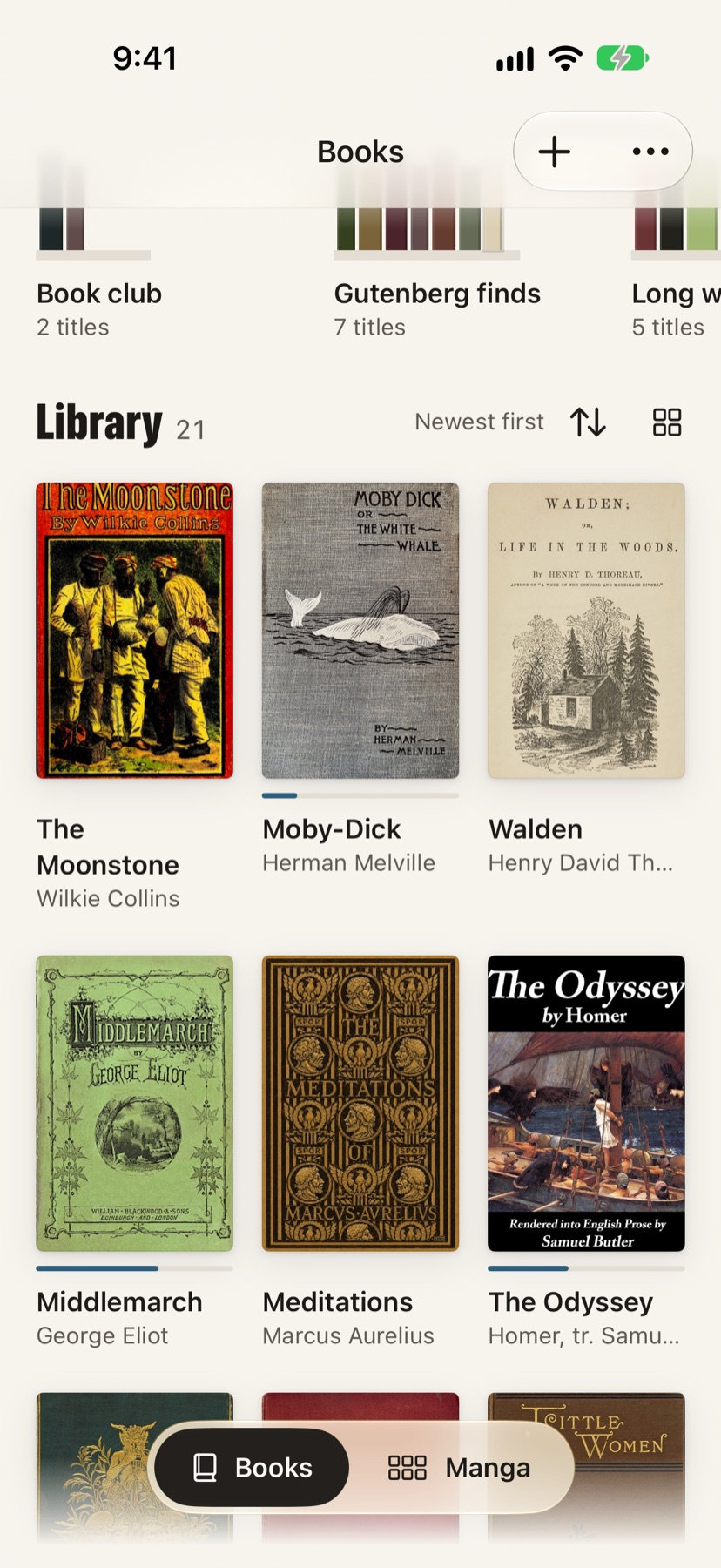
    The library as a grid of covers, on iPhone
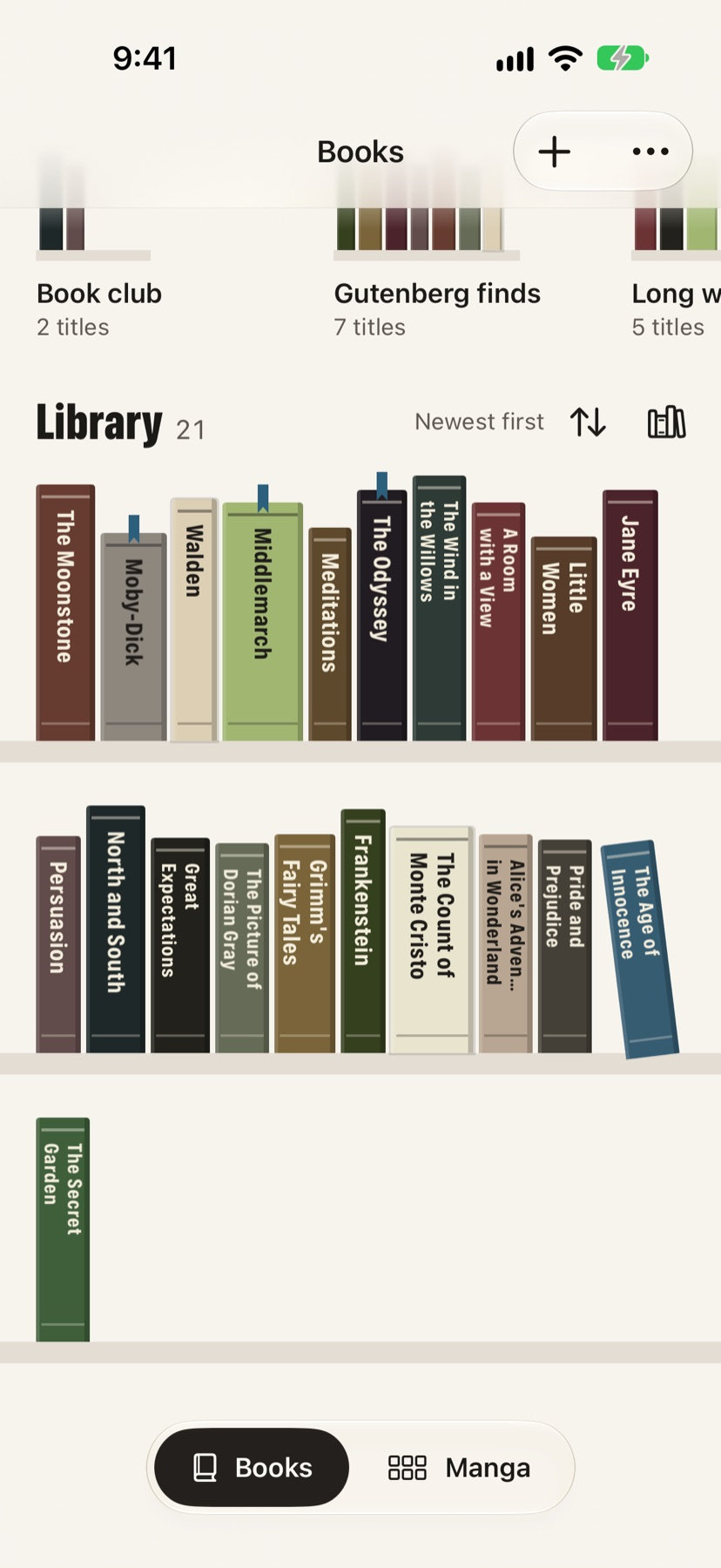
    The library as spines on a shelf, on iPhone

    Shelf, grid or list

    See a room as spines on a bookcase, a grid of covers or a list. Pick one from View As and Shelf keeps it.

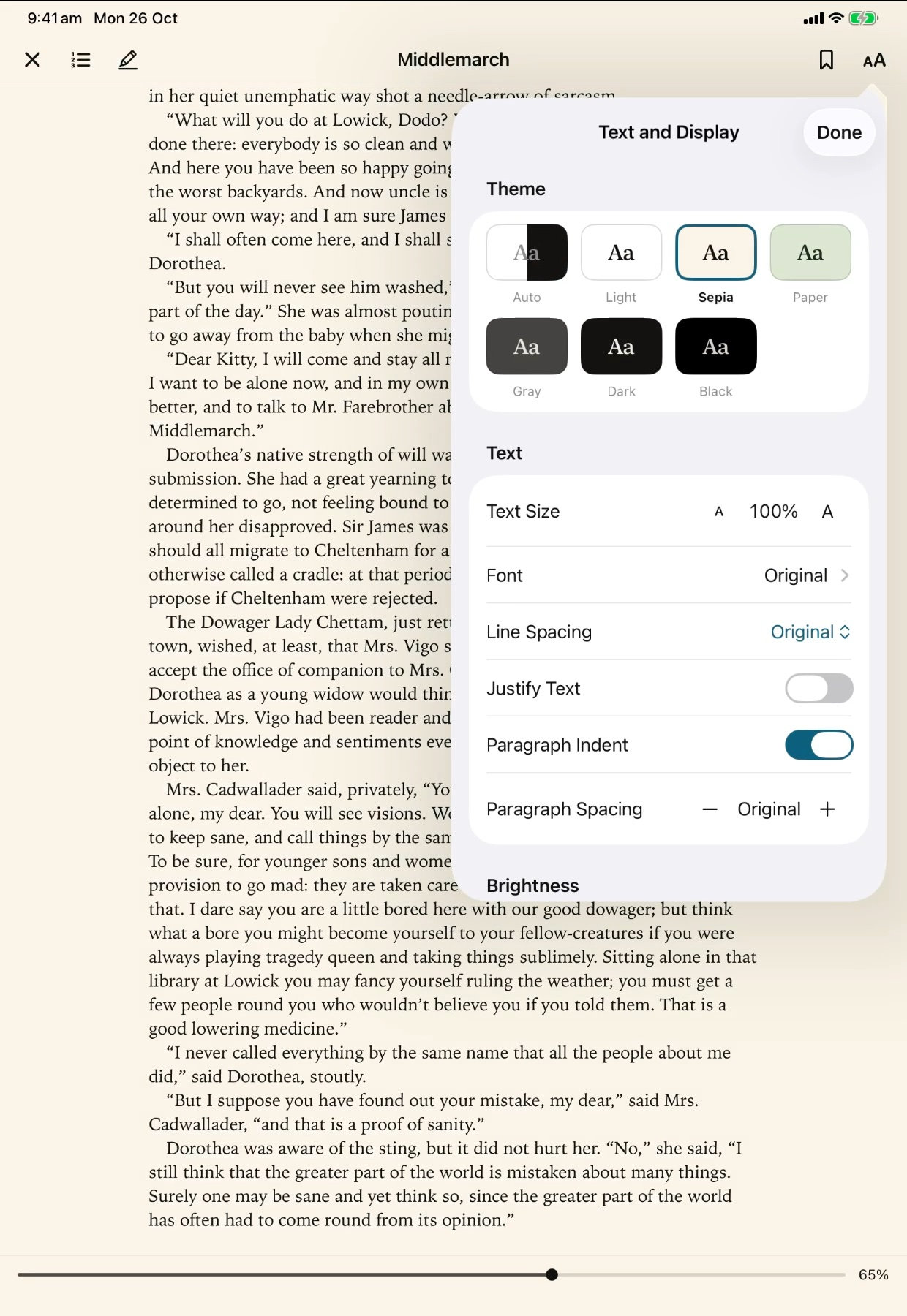
  • Text and Display with the page colours on iPad
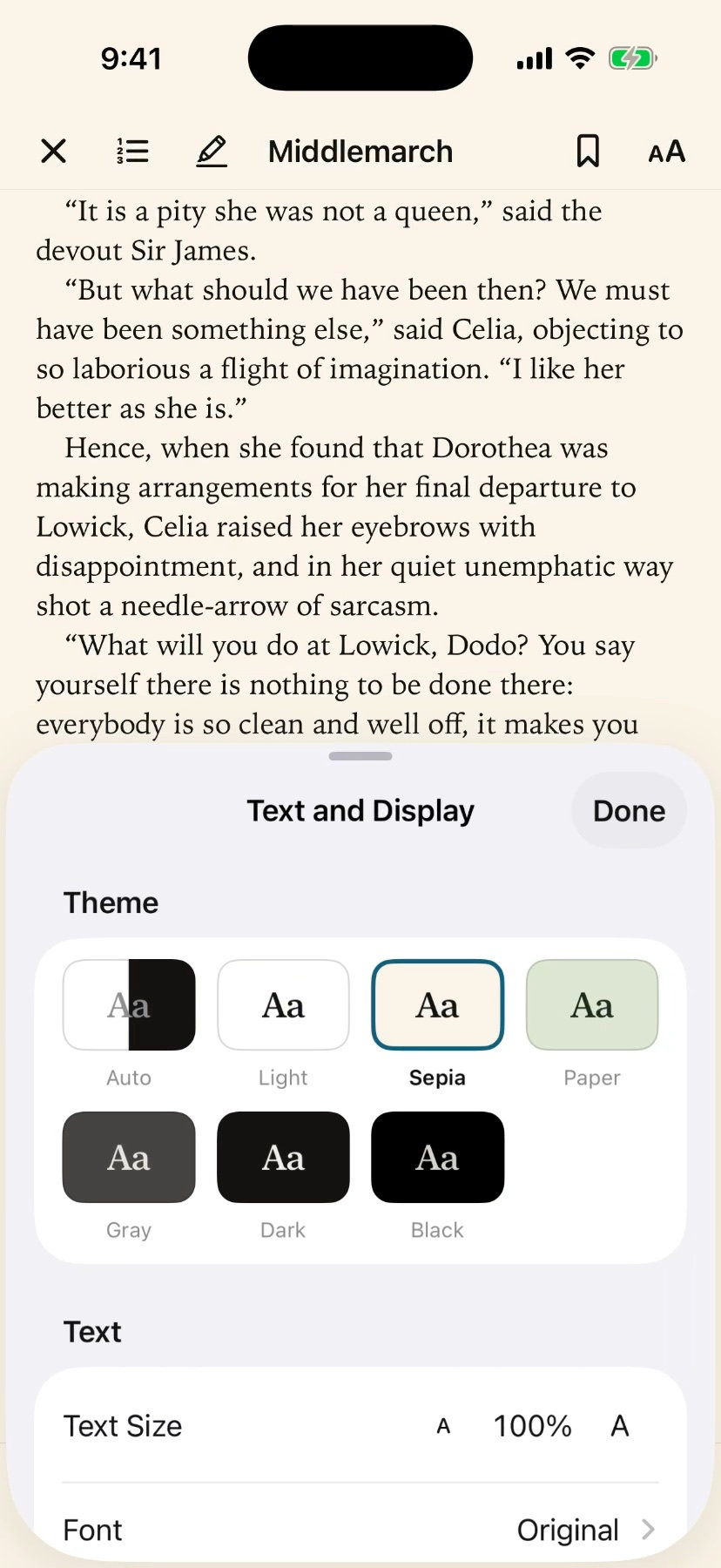
    Text and Display with the page colours on iPhone

    Page colours and typefaces

    Light, Sepia, Paper, Gray, Dark or Black pages, and ten typefaces besides the publisher’s.

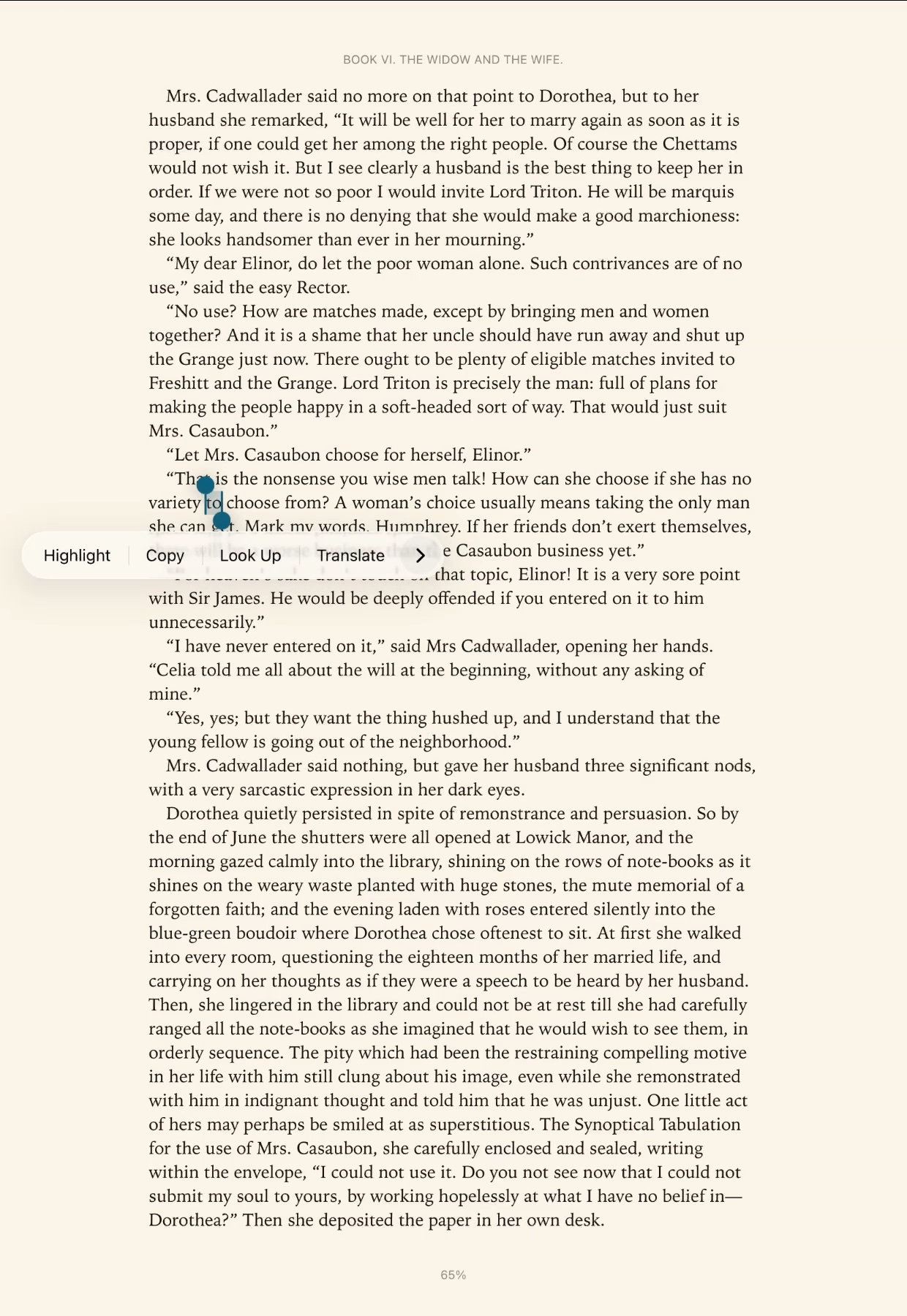
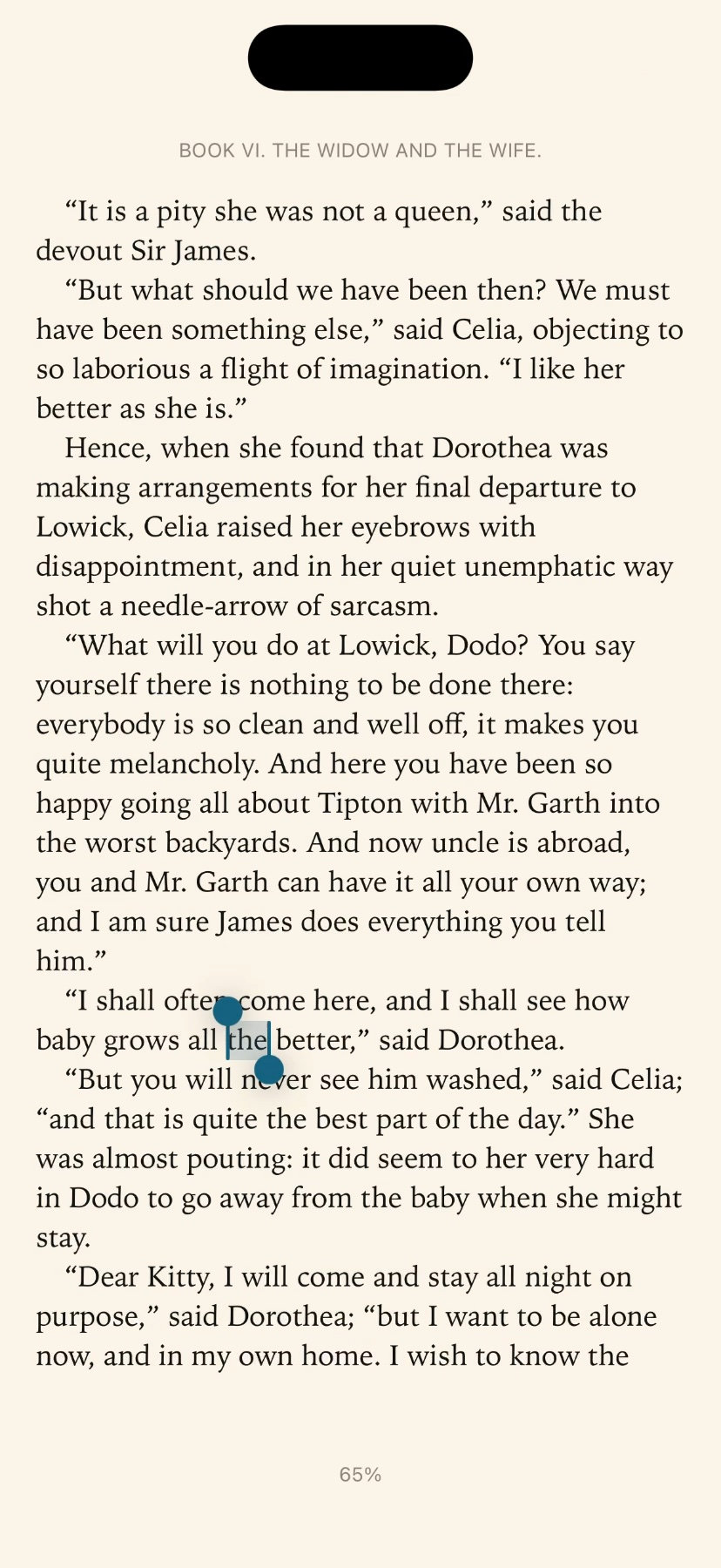
  • A word selected with Highlight in the menu on iPad
    A word selected with Highlight in the menu on iPhone

    Highlights and bookmarks

    Keep the lines that matter, and export your highlights as Markdown.

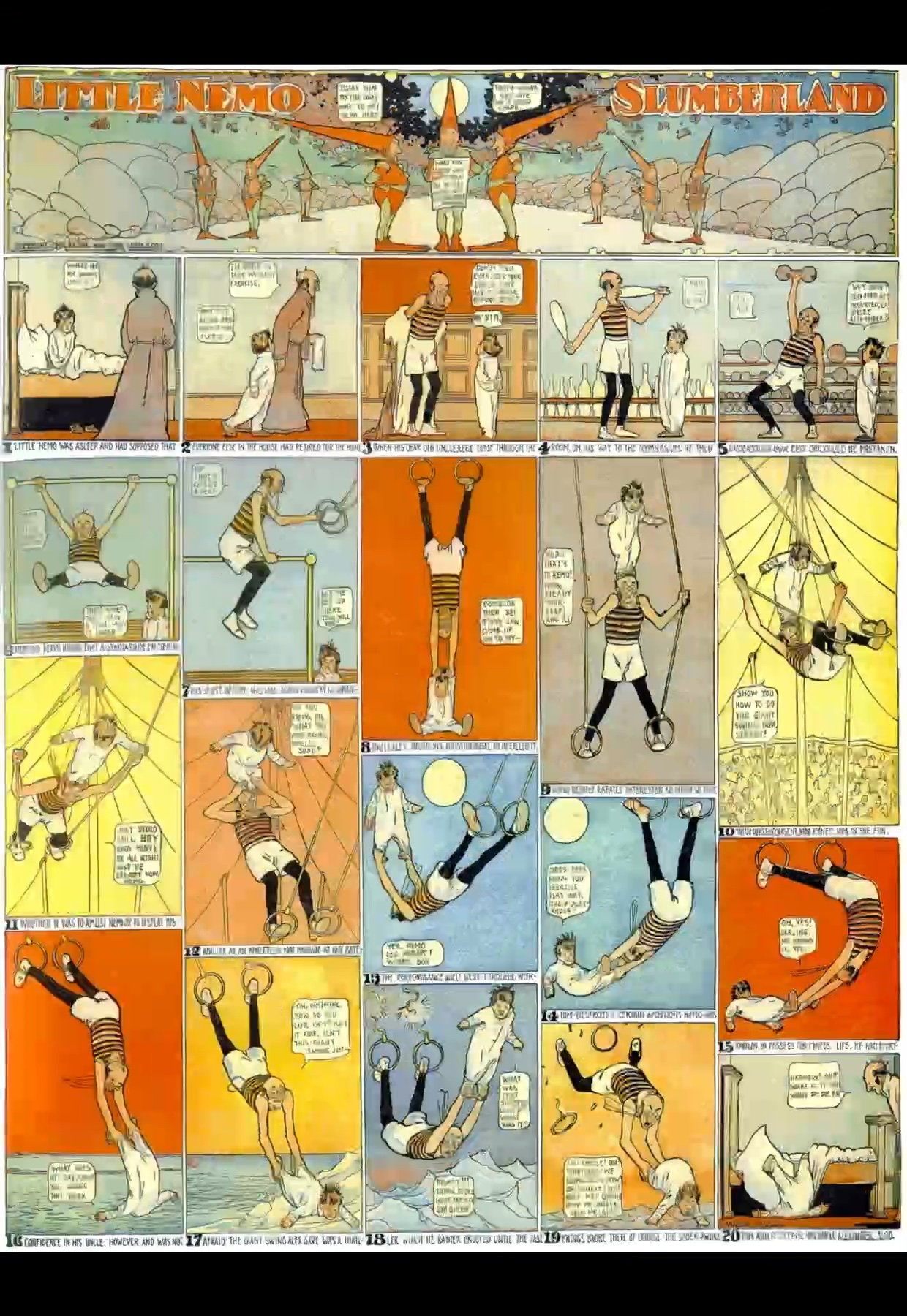
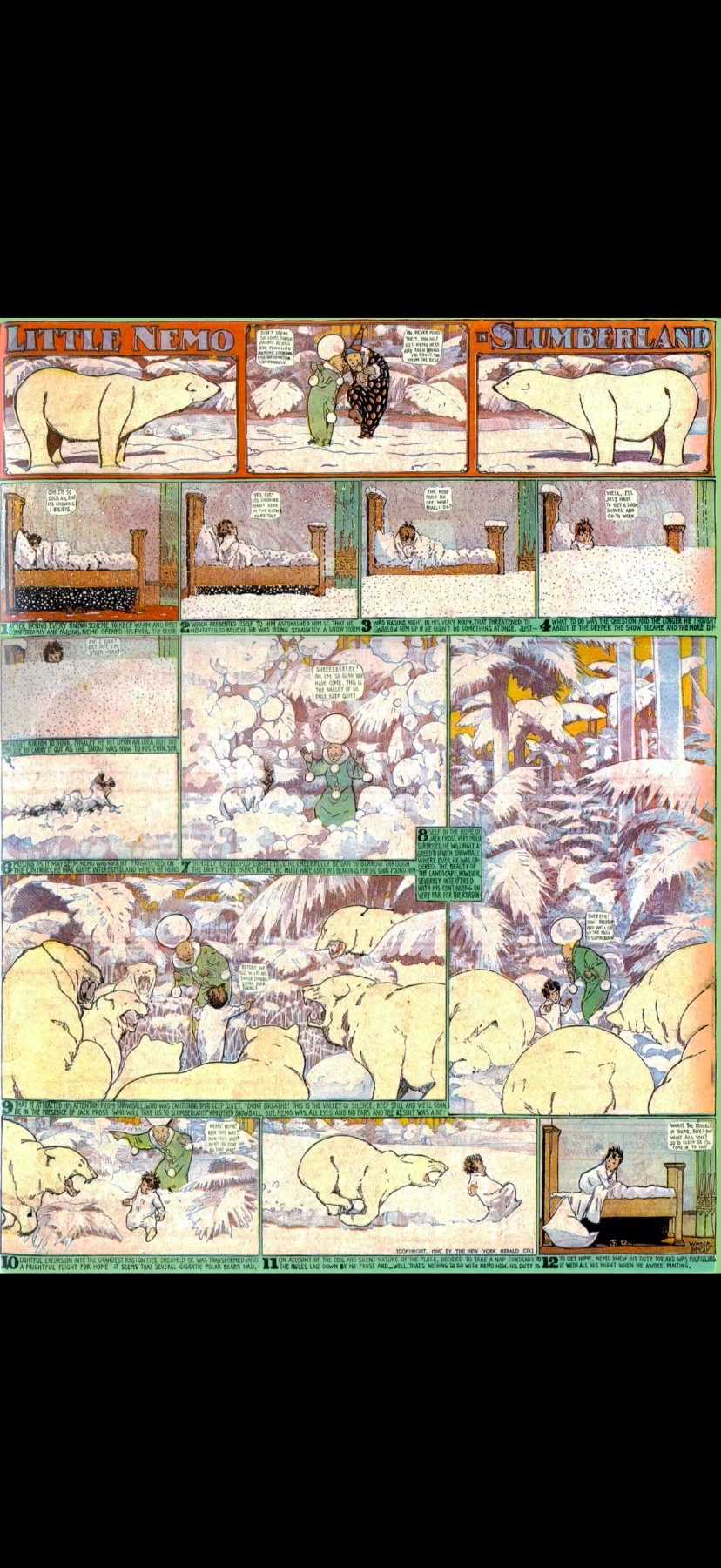
  • A Little Nemo page on iPad
    A Little Nemo page on iPhone

    Manga and comics

    CBZ and CBR in a room of their own, read right to left when you want.

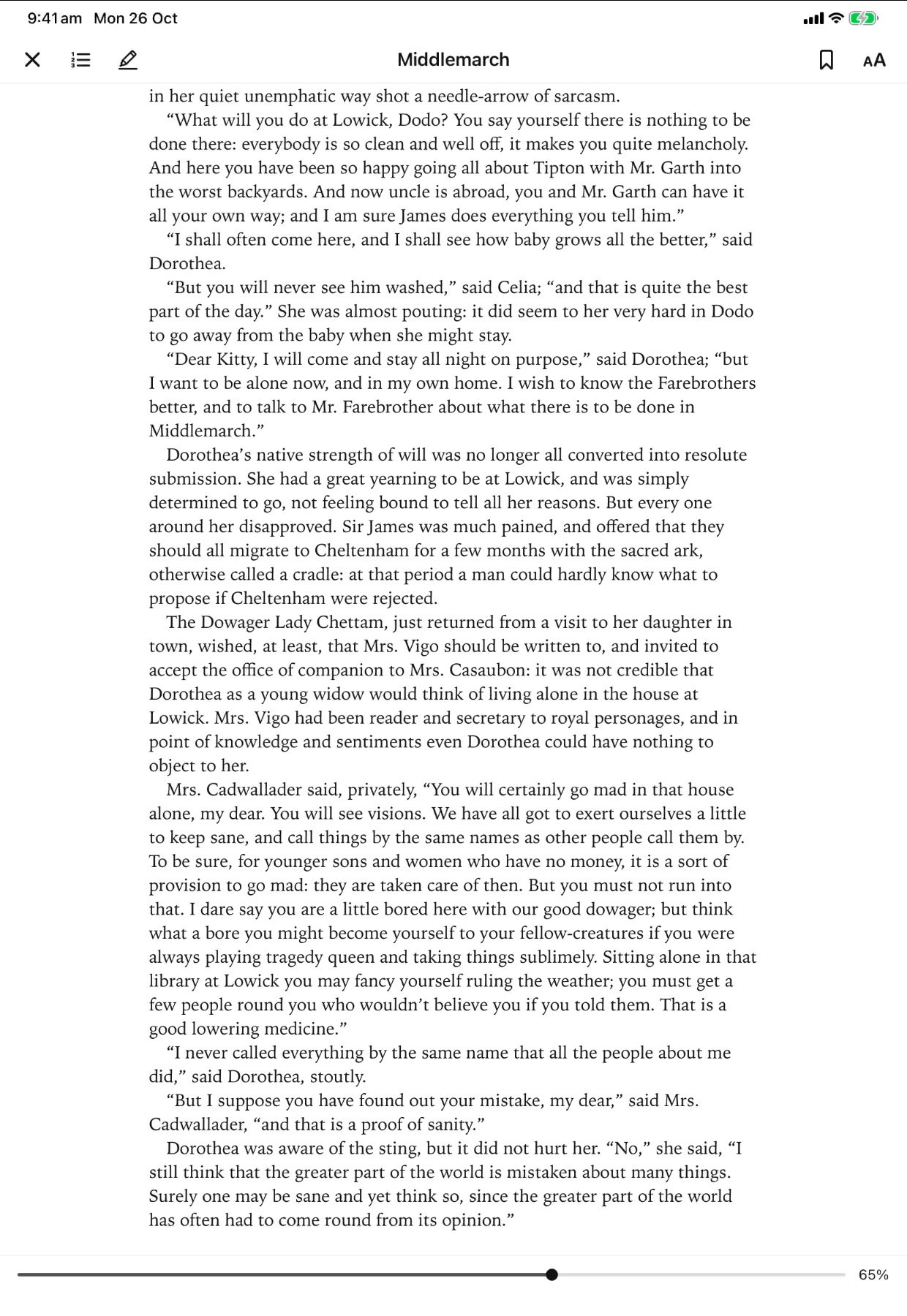
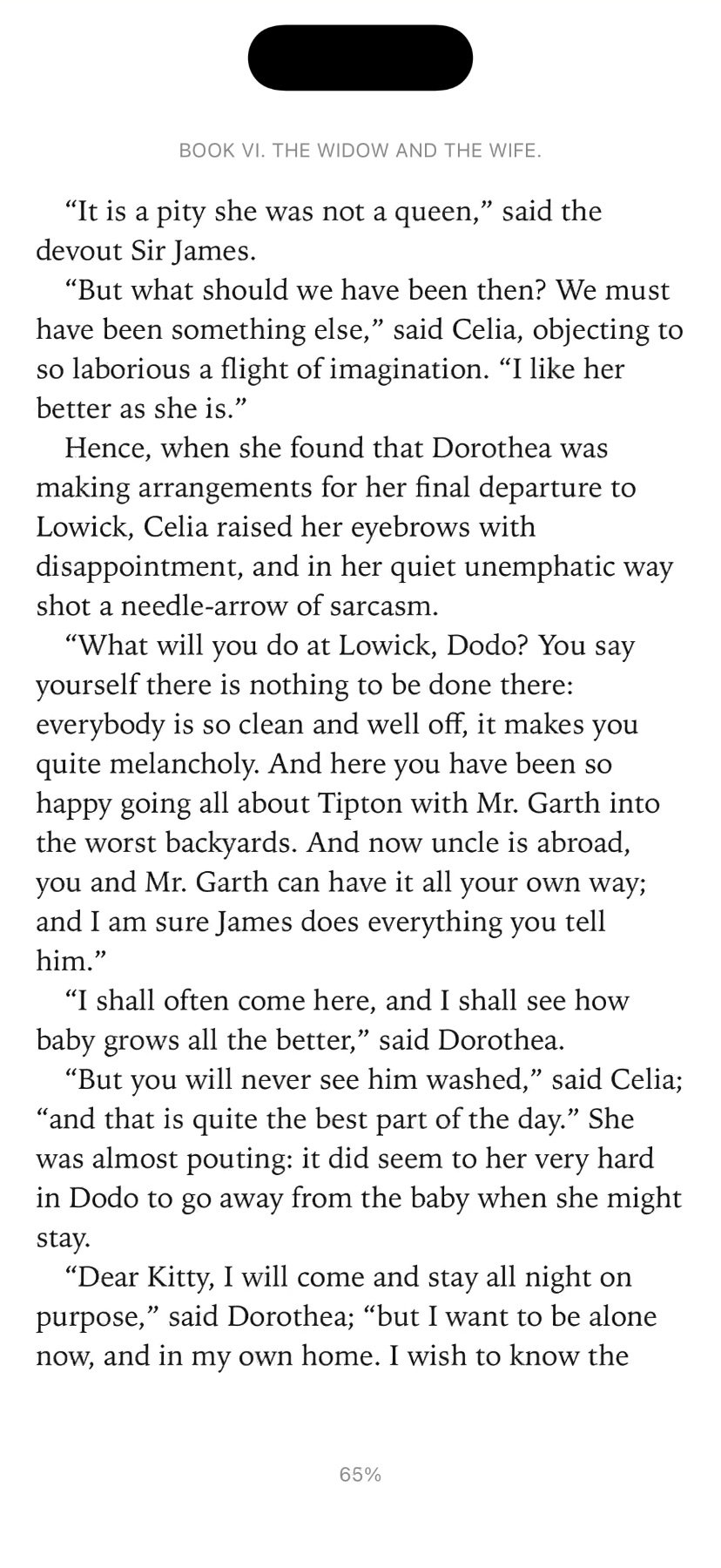
  • A page of Middlemarch on iPad
    A page of Middlemarch on iPhone

    iPhone and iPad

    Open a title on either and it’s where you left off, with the same bookmarks and highlights, through your own iCloud.
Built with readers in mind.

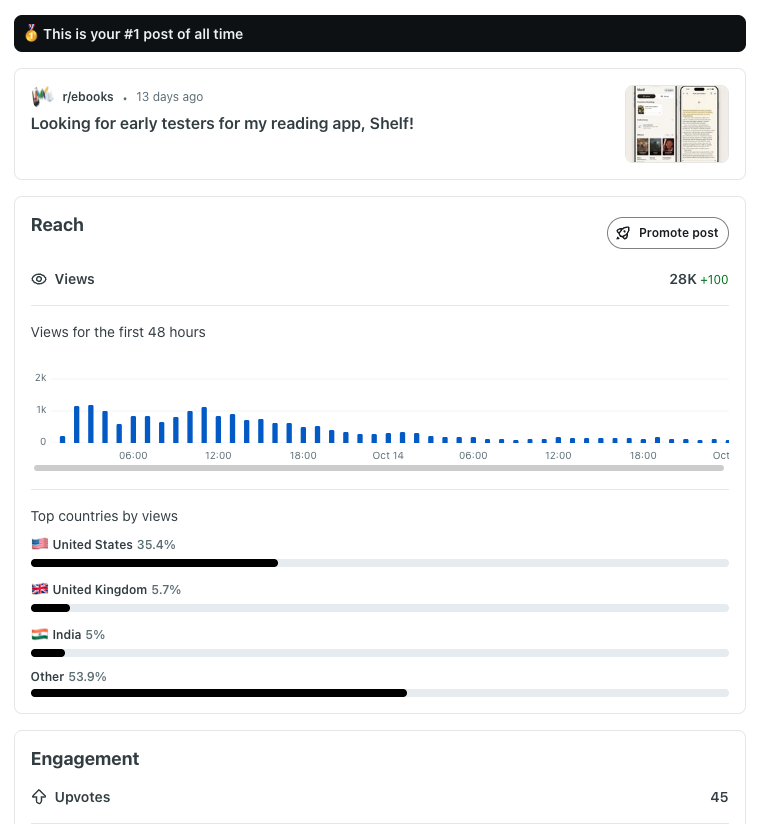
“Looking for early testers for my reading app, Shelf!” reached 28K views and 86 comments on r/⁠ebooks. The follow-up, after 20+ testers, drew 54 more.

Reddit insights for the r/ebooks post “Looking for early testers for my reading app, Shelf!”: “This is your #1 post of all time”, 28K views, views over the first 48 hours, and top countries United States 35.4%, United Kingdom 5.7%, India 5%.
28K views on r/⁠ebooks
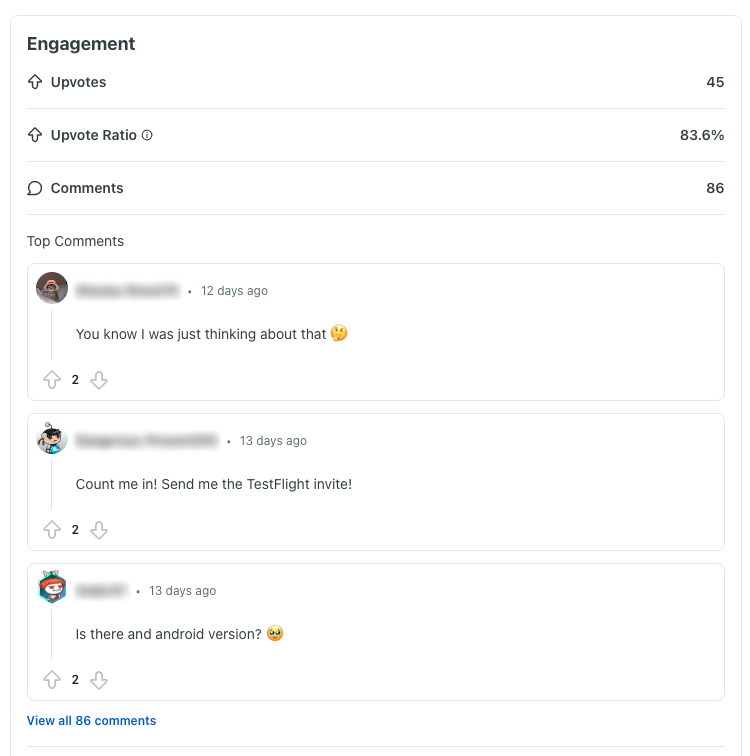
Engagement for the post: 45 upvotes, an 83.6% upvote ratio and 86 comments. Top comments: “You know I was just thinking about that”, “Count me in! Send me the TestFlight invite!” and “Is there and android version?”
45 upvotes, 86 comments
A tester’s message: “You’re welcome! I can definitely see myself moving my kindle library over to this app.”
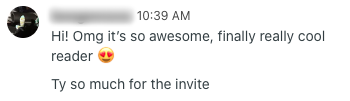
A tester’s message: “Hi! Omg it’s so awesome, finally really cool reader. Ty so much for the invite”
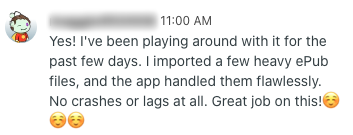
A tester’s message: “Yes! I’ve been playing around with it for the past few days. I imported a few heavy ePub files, and the app handled them flawlessly. No crashes or lags at all. Great job on this!”
Messages from testers
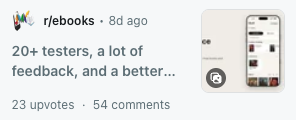
The follow-up post on r/ebooks, “20+ testers, a lot of feedback, and a better…”, with 23 upvotes and 54 comments.
The follow-up: 23 upvotes, 54 comments

Questions.

What can I read in Shelf?

DRM‑free EPUB and PDF books, plus CBZ and CBR comics and manga: the files you already own.

Can I read Kindle or Apple Books purchases?

Only if they are DRM‑free. Shelf doesn’t remove copy protection.

How do I get my books into Shelf?

Import them from the Files app or iCloud Drive, or share them to Shelf.

Do I need an account?

No. No sign-up, no login.

Does it sync between my iPhone and iPad?

Yes, through your own iCloud: reading position, highlights and bookmarks follow you, and books added on one device show up on the other.

Does it work offline?

Yes. Your books live on your device.

Does it read manga right to left?

Yes. Manga gets its own room, and you can set the reading direction.

What about my privacy?

No tracking, no ads. Your library stays on your device and your own iCloud. Your email is only used if you sign up for updates.

How much does it cost?

Free while Shelf is in testing. Pricing will be decided at launch.

Is there an Android or Mac version?

Not yet.

How do I join the beta?

Sign up with your email and tick “I’d also like a beta invite”.